
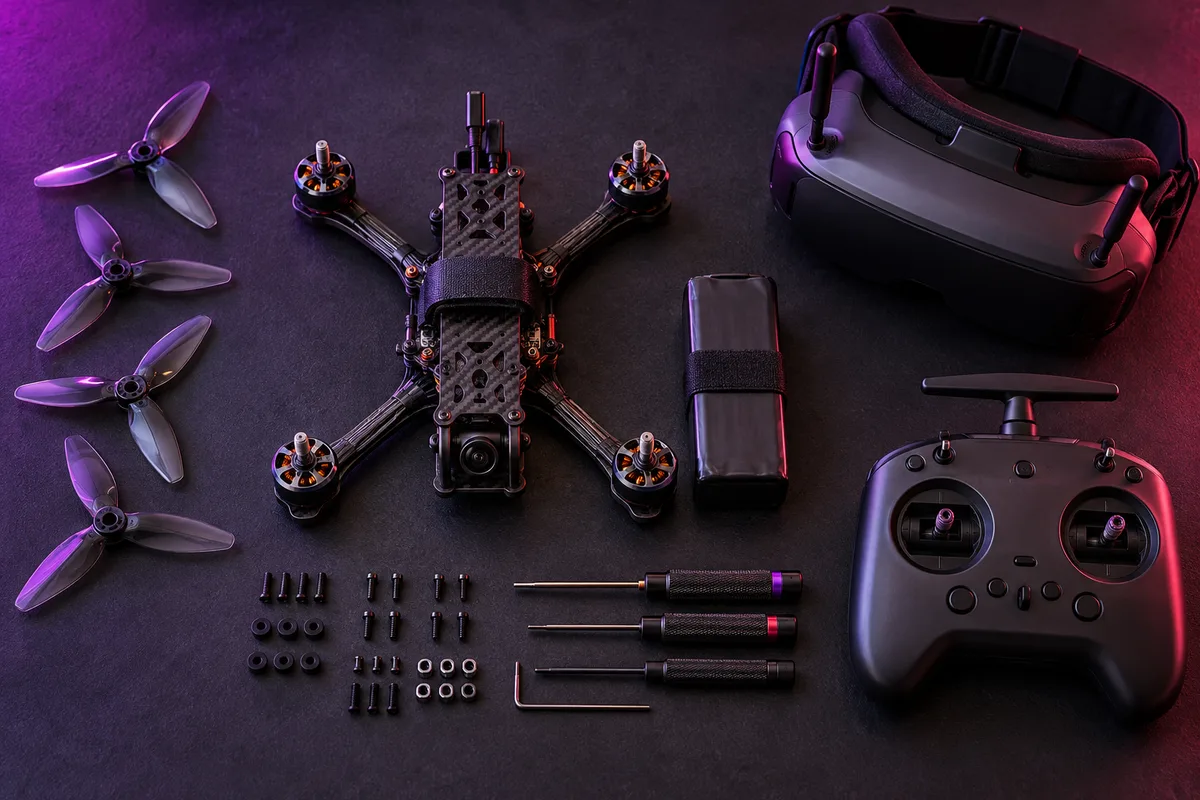
The frame holds the agreement together
The frame positions and protects components while giving them a practical structure. Size and mounting arrangements determine what fits; they do not automatically determine how every aircraft will feel. Check actual dimensions, mounting patterns, component clearance, and the intended use.
Good access matters. An elegant build that makes every basic inspection difficult can turn small maintenance jobs into long evenings. Look at how batteries, antennas, wiring, and fasteners will be supported—not just how the finished aircraft photographs.
The flight controller makes the decisions
The flight controller reads sensors and pilot commands, then calculates the outputs needed to control the aircraft. Its orientation, supported software, receiver connections, and peripheral requirements matter. A board is not interchangeable with another board simply because their outlines look similar.
The ESCs—the electronic speed controllers—manage motor output. They may be separate units or combined on one board. Their supported power and signal requirements need to match the rest of the system.
The links bring the pilot along
The receiver provides the control connection. The camera and video equipment provide the pilot’s view. Antennas, connectors, and the way these parts are mounted are part of those systems, not afterthoughts.
Follow the manufacturer’s diagrams for the specific hardware. The system explorer on this site explains component roles; it is not a wiring pinout. Never substitute a conceptual drawing for a board’s documented connection map.
The battery makes every choice real
The battery, connectors, wiring, motor setup, and propellers have to form an appropriate power system. Adding one more cell or a more aggressive propeller is not a cosmetic upgrade. It changes the demands placed on the hardware.
A useful build record explains the job of every part and links to its manual. If something fails, that record gives you a place to start. Without it, every small problem tries to become a complete rebuild.
MAKE IT USEFUL
Your next small job.
Use the system explorer to identify each component, then find the exact manual for the corresponding part in your own kit.
Go straight to the source.
These official resources support the next step. Hardware, firmware, and local requirements can differ.